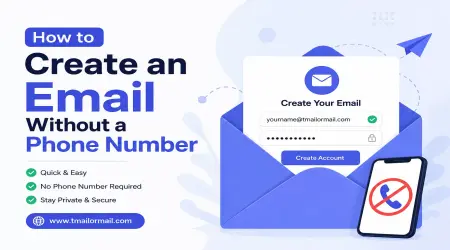
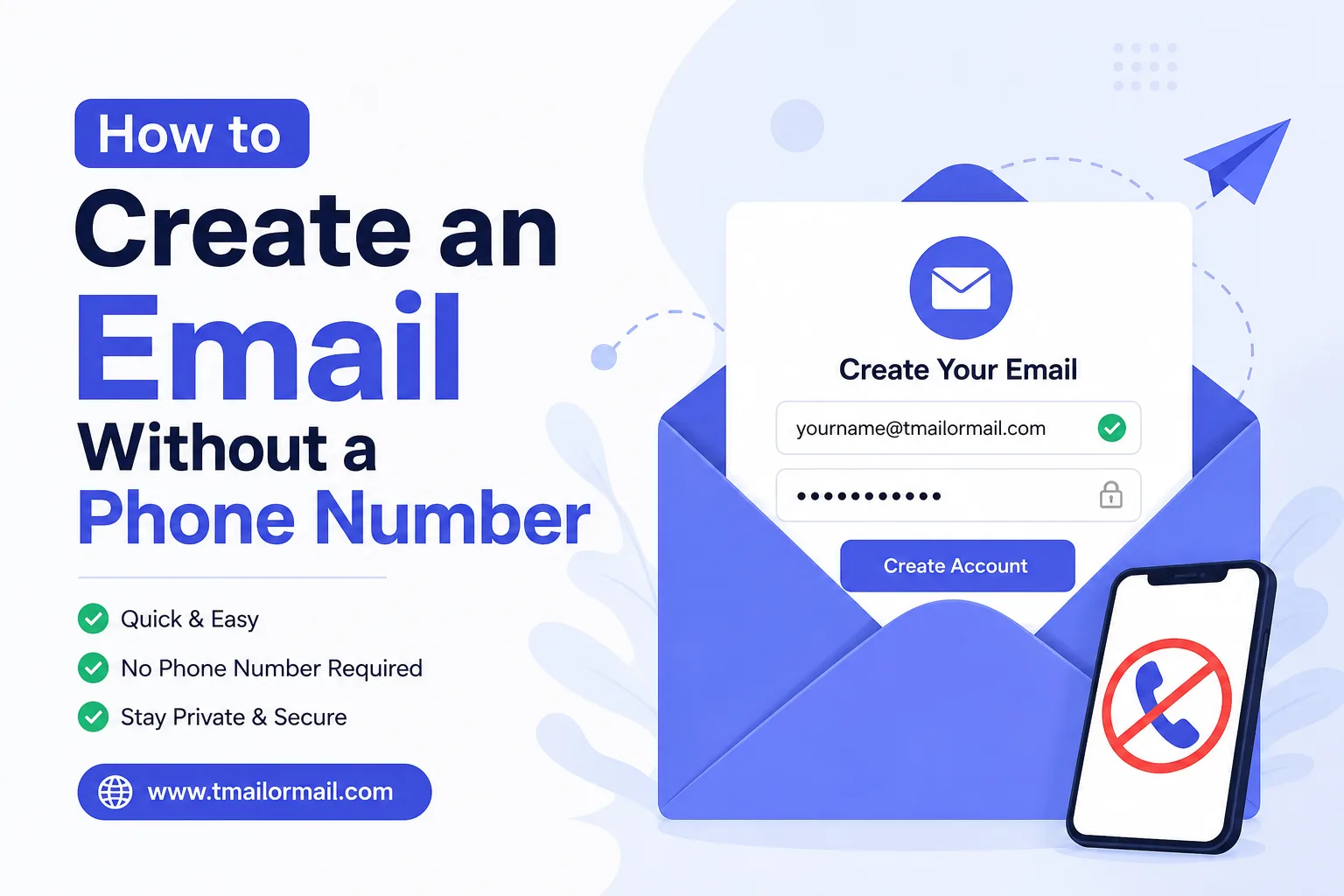
How to Create an Email Without a Phone Number
At some point almost everyone runs into the same wall. You go to sign up for a new email account and the form asks for your phone number before it will let you finish. No number, no inbox. It feels backwards, doesn't it? Email was supposed to be the free, open thing, and now it's gated behind a text message.
The good news is you don't actually need to hand over your number just to get an inbox. There are several ways around it, some built for permanent use and some built for the exact opposite. This guide walks through both, and by the end you'll know which route fits what you're trying to do.
Why Create an Email Without a Phone Number?
People avoid linking a phone number to a new email for a mix of reasons, and most of them are perfectly ordinary:
- Privacy. A phone number is tied to your real identity in a way an email address usually isn't. Once a company has both, they're connected forever in some database somewhere.
- You've hit a limit. Providers like Gmail cap how many accounts one number can verify. If you already run a few accounts, your number may simply be maxed out.
- You're testing something. Developers and freelancers open throwaway accounts constantly to test forms, check how a signup flow behaves, or try a tool before committing. Signing up for these on Fiverr or Upwork-style client projects is common, and giving out a real number for every test account is not practical.
- You just want to avoid spam. Newsletters, one-time downloads, and "sign up to see the price" forms rarely deserve your actual number or your main inbox.
None of these reasons require anything shady. They're just practical, and thankfully the tools exist to match.
Which Providers Let You Skip the Phone Number?
Not every email provider forces verification the same way. Some ask for a number only when they get suspicious of your signup pattern, meaning a fresh browser, a VPN, or too many attempts from one IP can trigger it even if the provider doesn't normally require it. Others build phone-free signup into the product from day one.
Broadly, your options fall into three groups: mainstream providers that sometimes skip the number, privacy-focused providers built without it, and temporary mailboxes that never ask for it at all.
No-Phone Email Providers That Work by Design
A handful of providers were built specifically so identity verification isn't part of the signup:
- Proton Mail lets you sign up with just an email as backup or no backup at all in many cases, since its whole model is built around privacy.
- Tutanota (now Tuta) also skips phone verification for standard signups.
- Some regional webmail providers still allow number-free registration, though this changes often as spam prevention rules tighten.
These are solid choices if you want a real, permanent inbox you can check for years without a number attached to it. The tradeoff is that setup takes a few minutes and you're creating something meant to last, which isn't always what you need.
The Fastest No-Phone Option: A Temp Mailbox
If you don't need a permanent inbox at all, a temporary mailbox is the quicker route. This is exactly what TmailorMail is built for. Open the site, an inbox is already waiting for you, and there's no form to fill out, no password to remember, and certainly no phone number to type in.
This works well for the situations where a real account is overkill: grabbing a verification code from a service you'll only use once, testing a checkout flow, or signing up somewhere just to read one article behind a paywall. People also use it for trying ChatGPT-style AI tools that ask for an email before letting you in, or for testing music streaming trials without committing a personal address.
Permanent Inbox or Temp Mailbox: Which Should You Use?
This really comes down to how long you'll need the address to exist.
If you're setting up something you'll rely on going forward, like an account for a business, a freelance client relationship, or anything you'll need to log back into next month, go with a real provider such as Proton Mail or a regular webmail account. A temporary address will expire and take your access with it.
If you just need an inbox for the next few minutes or hours, a temp mailbox is the better fit. There's nothing to set up, nothing to remember, and nothing left behind once you're done. For people who want a bit more control over their temporary address, like keeping the same one for a longer session or using a custom domain, TmailorMail also offers premium options that sit somewhere between fully temporary and fully permanent.
A Safer Alternative to SMS Verification
A lot of the "phone required" friction isn't actually about email signup itself, it's about the OTP or verification code that follows. Plenty of sites will let you register with just an email, then text a one-time code to confirm it's really you.
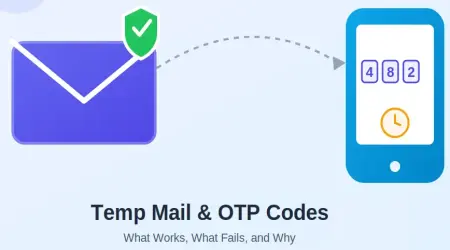
A temp mailbox handles this cleanly for services that send the code by email instead of SMS. You can read more about exactly which kinds of OTP verification work with temp mail and where the limits are, since not every service behaves the same way.
Limitations to Know
Temp mailboxes are genuinely useful, but they're not a universal fix, and it's worth knowing where they fall short before you rely on one:
- They expire. Once the inbox clears, whatever was sent to it is gone. If you'll need to recover that account later, this isn't the tool for it.
- Some services block them. Banks, government portals, and a growing number of apps now detect and reject known temp mail domains outright.
- SMS-only verification won't work. If a service insists on texting a code to a phone, an email-based temp inbox can't intercept that.
- Not meant for anything long-term. Password resets, account recovery, and ongoing communication all need an inbox that's still there tomorrow.
FAQs
Can I really make an email with no phone number at all?
Yes. Providers like Proton Mail allow it for standard accounts, and temp mailboxes never ask for one in the first place.
Is a temp mailbox safe to use for verification codes?
For email-based codes, generally yes. It's worth checking our full FAQ page for the specifics on what temp mail can and can't verify.
Will a temp email work for signing up on every website?
No. Some platforms actively block known temp mail domains, particularly financial and government sites.
Do I need to create an account to use TmailorMail?
No. The inbox is ready the moment you land on the homepage, no signup required.
What if I need the same temp address later?
Standard temp inboxes expire, but the premium plan gives you more control over how long an address sticks around.
The Bottom Line
Getting an email without giving up your phone number is easier than most signup forms make it feel. If you need something permanent, providers like Proton Mail exist for exactly that. If you just need an inbox for the next few minutes, that's what a temp mailbox is for, and it's the fastest way to get one without typing in a single digit of your real number.