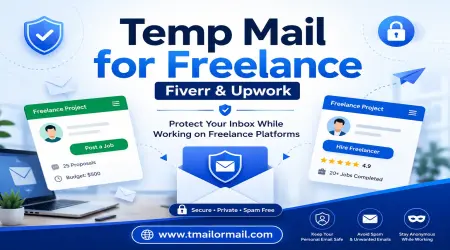
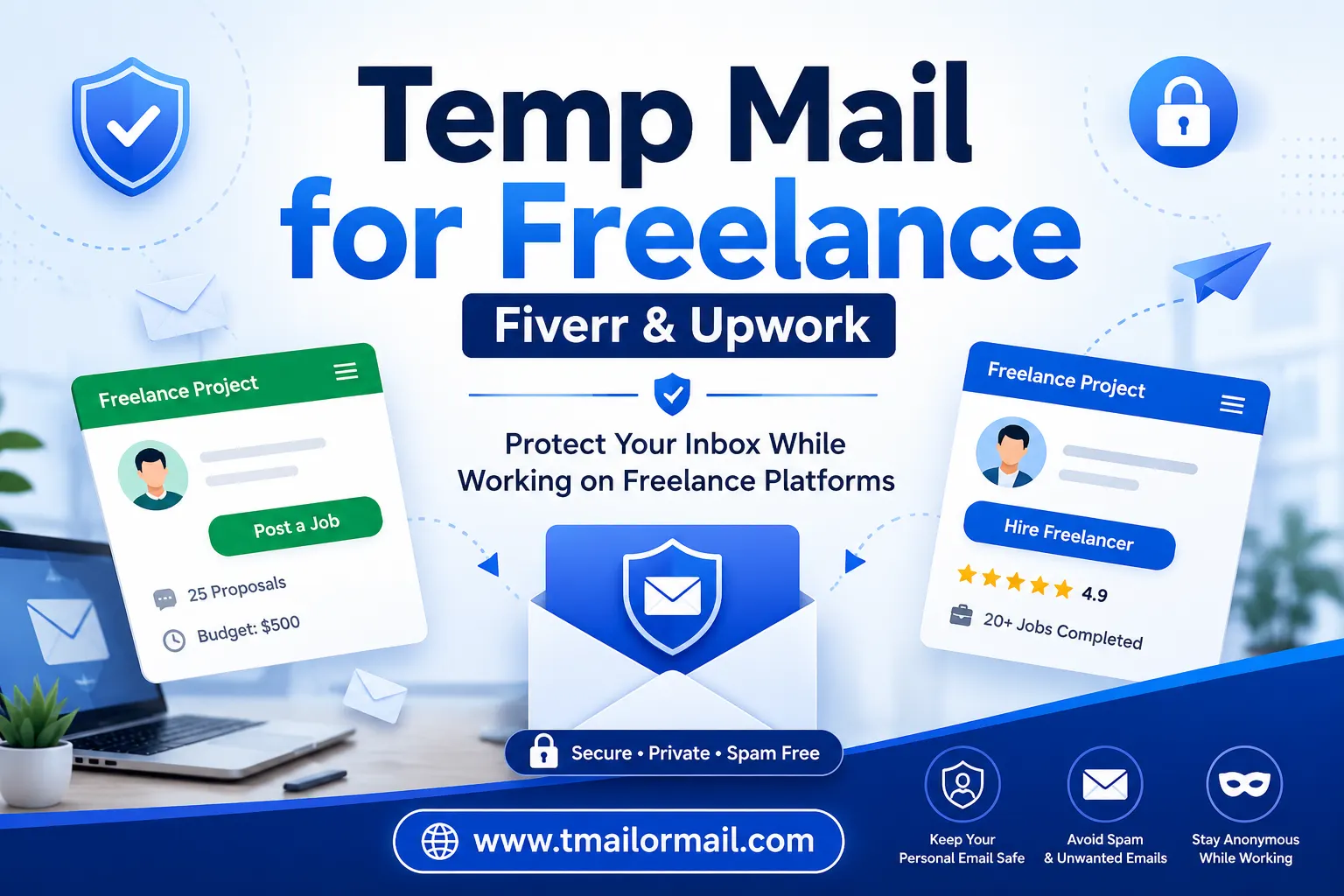
Temp Mail for Freelance - Fiverr & Upwork
If you freelance for a living, you probably sign up for something new almost every week. A tool here, a template there, a "free guide" that some marketing blog is holding hostage behind an email form. Every single one of these wants your email address, and every single one of them ends up in your inbox forever, even after you forgot you ever signed up.
So naturally, a lot of freelancers start wondering if a temporary email could help. And it can, just maybe not in the place you'd expect. Let's talk about where it actually makes sense, and where it can quietly get you into trouble.
Why Freelancers Need a Privacy Layer?
Think about how many places your email touches once you start freelancing seriously. You're testing new project management apps. Downloading invoice templates. Joining random freelancer Facebook groups. Subscribing to newsletters that promise "the secret to landing $10k clients." None of these are your actual business. They're just noise around it.
The problem is, all that noise goes straight into the same inbox where your actual clients are messaging you, where your payment confirmations land, where important stuff lives. Over a few months, that inbox turns into a mess, and you start missing real messages buried under promo emails from a tool you tried once and never opened again.
Having a separate, disposable email for this kind of low-stakes stuff isn't complicated, it's just common sense. It keeps your real inbox for real things.
Where people get it wrong is assuming this same logic applies to their actual Upwork, Fiverr, or Freelancer.com account. It doesn't, and here's why.
How to set up a Temporary Email for freelance Work
I want to be honest about something before jumping into the how-to part. Upwork, Fiverr, and Freelancer.com aren't just websites, they're payment platforms. That means they need to know who you actually are. They need a working email to verify your identity, send you payout notifications, and reach you if something goes wrong with a client dispute or a policy flag. Because of that, these platforms are genuinely built to catch and block known disposable email domains at sign-up. It's not a small oversight on their part, it's on purpose, because letting people sign up with throwaway emails is exactly how fraud and fake accounts spread on marketplaces like these.
So no, don't use a temp email for the actual account you plan to earn money through. That's not what it's for here.
What temp mail is genuinely good for, in the freelance world, is everything that isn't your core marketplace account:
- Poking around a platform's interface or browsing gigs before you've decided you're serious about joining
- Signing up for a tool's free trial just to see if it's worth your time
- Grabbing a free template or ebook from a blog that wants your email in exchange
- Joining a forum or newsletter you're curious about but don't fully trust yet
Used this way, it does exactly what it's supposed to do, it keeps your real inbox clean without putting anything important at risk.
How To Set Up Your Freelance Temp Email (Step-by-Step)
Here's the simple version, no overthinking required:
- Open Tmailor and grab a temporary email address.
- Use it for the small stuff, downloading a template, testing a new app, signing up for something you're not sure you'll actually keep using.
- Check the inbox pretty quickly if you're waiting on a confirmation link, since these addresses don't stick around forever.
- Got what you needed? Great, you're done. No account to babysit, no password to remember.
- If it turns out you actually love the tool or the newsletter and want to keep it long term, switch over to your real email at that point. Don't leave something you care about hanging on an inbox that's about to expire.
That's really the whole idea. Temp mail handles the one-time stuff. Your real email handles anything you're actually building on.
The bottom line
There's a real, practical use for temporary email in a freelancer's day-to-day life, it just isn't where most people first think to use it. It's great for keeping your inbox clean while you're testing things out, downloading resources, or just browsing before committing to anything. But your actual Upwork, Fiverr, or Freelancer.com account, the one tied to your money, your reputation, and your client history, needs a real email behind it, one you're not going to lose access to next week. Keep that line clear and you'll save yourself a headache down the road.