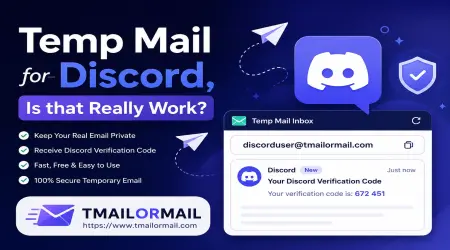
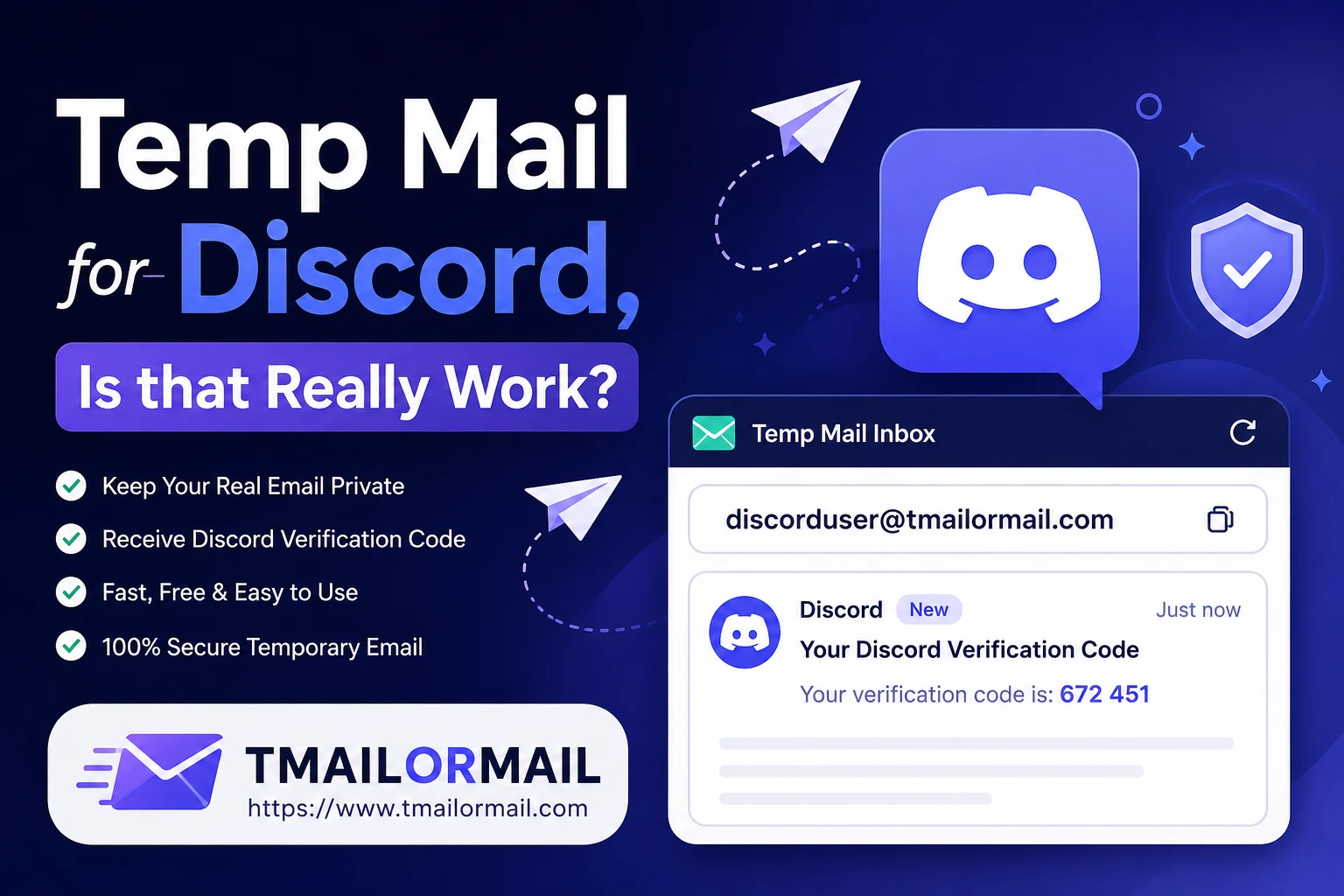
Temp Mail for Discord, Is that Really Work?
Discord is one of those platforms almost everyone ends up using at some point, whether it's for gaming, a course, a community you just want to peek into, or a project group that only needs you around for a few weeks. But signing up means handing over an email address, and not everyone wants to tie a brand-new Discord account to their personal inbox. That's where temp mail comes in.
If you've been searching for a fast way to make a Discord account without using your real email, this guide walks through exactly how that works, what actually happens during verification, and where people tend to get stuck. You can grab a working temporary inbox any time on Tmailor Mail's homepage.
Does Temp Mail Work for Discord?
Short answer: yes, in most cases. Discord doesn't ban the idea of using a temporary email outright. What it actually does is check whether the domain your email comes from is trustworthy enough to pass verification. Some temporary mail domains are flagged because they've been overused for spam or fake sign-ups, while lesser-known or fresh domains tend to sail through without any trouble.
So the real question isn't "does temp mail work for Discord" as a blanket yes or no, it's "does this particular temp mail domain work for Discord right now." Domain reputations shift constantly. A domain that worked perfectly last month might get blocked this week, and a domain that was blocked before might become usable again once it cools down.
Why Domain Choice Matters
This is why it helps to use a temp mail service that offers multiple domains to choose from, rather than one that locks you into a single address. If one gets rejected, you simply try another. Tmailor Mail also offers a way to use your own domain if you want more control over which addresses you generate.
How to Create a Discord Account with Temp Mail
Here's the straightforward way to do it.
Step by Step Guide
- Open Tmailor Mail and generate a temporary inbox. You'll get a random email address instantly, no sign-up needed on your end.
- Copy that email address.
- Go to Discord and start the registration process like normal. Enter your username, password, birthday, and paste in the temporary email address when asked.
- Submit the form. Discord will usually send a verification email within a minute or two.
- Switch back to your temp mail tab and refresh the inbox. The verification email should land there.
- Open the email and click the verification link. This confirms your account and unlocks full Discord functionality (sending messages, joining servers, etc.) without the "unverified" restrictions.
- Done. Your Discord account is now active using the temporary address.
The whole thing usually takes under five minutes if the domain you picked isn't flagged. This same flow works well beyond Discord too. If you're setting up trial accounts for freelance platforms, our guide on temp mail for Fiverr and Upwork covers that in detail.
Which Temp Mail Domains Work with Discord
Not every disposable email domain plays nicely with Discord's system. Broadly, here's what determines whether a domain gets accepted:
- Domain age and reputation. Brand-new or lesser-known domains are less likely to be on Discord's radar.
- How heavily the domain has been used for spam signups. Popular, well-known temp mail domains that thousands of people reuse daily are the first ones to get blacklisted.
- Whether the domain has a proper MX record setup. Domains that look improperly configured are more likely to get flagged during verification.
When a Domain Gets Rejected
When a domain is rejected, Discord typically won't let you even submit the registration form. You'll see an error saying the email is invalid or not allowed, right at the sign-up stage, before any verification email is even sent.
If that happens, the fix is simple: generate a new temporary address using a different domain from the same service. Most good temp mail sites, including Tmailor Mail, let you rotate between several domains, and it usually takes one or two attempts at most before you land on one that's accepted. If you'd rather skip the guesswork entirely, our premium plans give you access to more stable, less commonly flagged domains.
Troubleshooting Discord Verification Issues
This is the most common hiccup people run into, and it's rarely a sign of anything being broken.
Discord Verification Email Not Arriving
A few things to check:
- Give it a minute or two. Email delivery isn't always instant, especially between two automated systems. Wait 60 to 90 seconds before assuming something's wrong.
- Refresh the temp mail inbox manually. Some temp mail pages don't auto-refresh, so the email might already be sitting there waiting for you to reload the page.
- Check that you typed the email exactly right. A single typo when pasting the address into Discord means the email goes nowhere.
- Try resending the verification email from Discord's settings. Discord has a "resend verification email" option under User Settings, then My Account, if the first one doesn't show up.
- If it still doesn't arrive after a few minutes, the domain is likely the problem. Some domains get silently filtered by Discord's mail servers without throwing an error. In that case, start over with a fresh temp mail address on a different domain rather than waiting indefinitely.
This kind of delay isn't unique to Discord either. The same troubleshooting applies if you're waiting on an OTP code elsewhere; see our breakdown on using temp mail for OTP verification codes for more on that.
Frequently Asked Questions
Does temp mail work for Discord?
Yes, for the most part. It depends on which specific domain you're using at the time, since Discord filters certain overused or spam-flagged domains. Using a temp mail service with multiple rotating domains gives you the best chance of getting through verification on the first try.
What if the Discord verification email is not arriving?
Wait a minute or two and refresh your temp inbox first, since delivery can lag slightly. If it still doesn't show up, double-check you entered the email correctly, try Discord's "resend" option, and if that also fails, switch to a different temp mail domain and register again.
Does Discord require a phone number?
Not for basic sign-up. Email verification alone is enough to create and use an account normally. Discord may ask for phone verification later in specific situations, such as if your account gets flagged for suspicious activity, if you're trying to bypass a server ban, or if you want to send messages or join certain servers with stricter security settings.
Can I reset my Discord password later using the same temp address?
This depends entirely on whether the temp mail inbox is still active and reachable when you try to reset it. Most temporary email addresses expire after a set period, often anywhere from 10 minutes to a few hours depending on the service, and once that inbox is gone, so is your ability to receive a password reset link. If you want an account you can actually recover later, it's safer to eventually update your Discord email to a permanent one you control, rather than relying on temp mail long-term.
The Bottom Line
Temp mail is a genuinely convenient way to create a Discord account without exposing your personal inbox, and it works reliably as long as you're using a domain Discord hasn't blacklisted. The process itself is simple: generate an address, register, verify, done. If you hit a snag, it's almost always a domain issue rather than a Discord issue. Keep a temp mail service on hand that gives you a few domains to rotate through, and you'll rarely be stuck waiting more than a couple of minutes to get verified.
Just remember that temp mail is great for quick, disposable, or testing accounts, but if you plan to keep using a Discord account long-term, switching to a permanent email later will save you the headache of losing access if you ever need a password reset. Have more questions about how temp mail works in general? Check out our FAQs page or get in touch with us directly.